Revocation and Blocks
Revoke a machine to remove it permanently, block it to shut it out of its realm now, or do both in one step.
- Who
- Managers and admins revoke. Admins block and unblock
- Where
- A machine's details, in Protect › Nodes
Comparing Revoke and Block
When you revoke a machine, the guardian stops renewing its credential, and the decision is final. The machine keeps working until its credential lapses.
When you block a machine, every member of its realm treats it as an outsider within minutes. A block leaves the credential untouched, and you can lift it. To remove a machine immediately and permanently, revoke it and block it.
| Revoke | Block | |
|---|---|---|
| What it does | The guardian never renews the machine's credential again, and its telemetry stops at once | Every member of its realm treats it as an outsider: its connections close and nothing is carried for it |
| Takes effect | When its credential lapses, within 90 days by default | On each member as the block reaches it, within minutes |
| Lasts | Permanently. A revoked machine cannot be reinstated | Until the end you set, if any, or until it is unblocked |
| Touches the credential | Yes: it is never renewed | No |
| Who, in the console | A manager or an admin | An admin |
Expiry is permanent, but it takes as long as the credential has left to run. A block takes effect on each member as it arrives, and lasts until it ends or a member lifts it. A block does not change the credential. Use both to shut a machine out at once and remove it permanently.
Revoking a Machine
The guardian revokes a machine by refusing to renew its credential. Nothing is sent to other machines, and there is no revocation list to distribute. A revoked machine therefore keeps working until its credential lapses. See Credential Lifetimes.
On Protect › Nodes, select the machine to open its details, then choose Revoke node at the bottom. The dialog shows when the machine's credential runs out, and how many days away that is.
You cannot undo a revocation. To bring the machine back, commission it again. It then has a new identity and a new address.
Revoking and Blocking Together
When console control is on, an admin's Revoke node dialog can also block the machine in the same step. Use this for a machine that is lost, stolen or compromised.
Open the machine's details, choose Revoke node, type its name and tick Also block it now. The button changes to Revoke and block.
Protect › Nodes › Node · Revoke node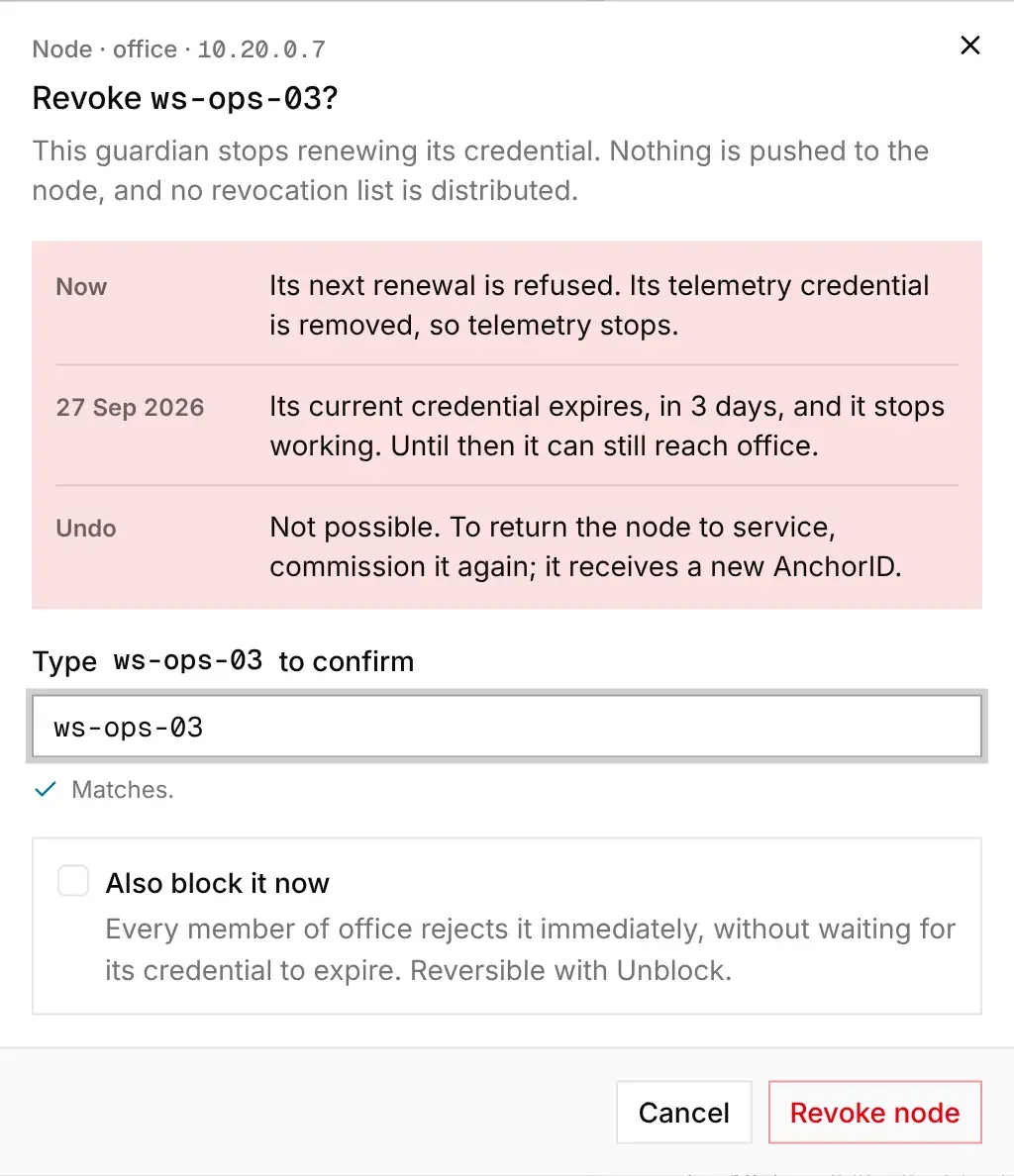
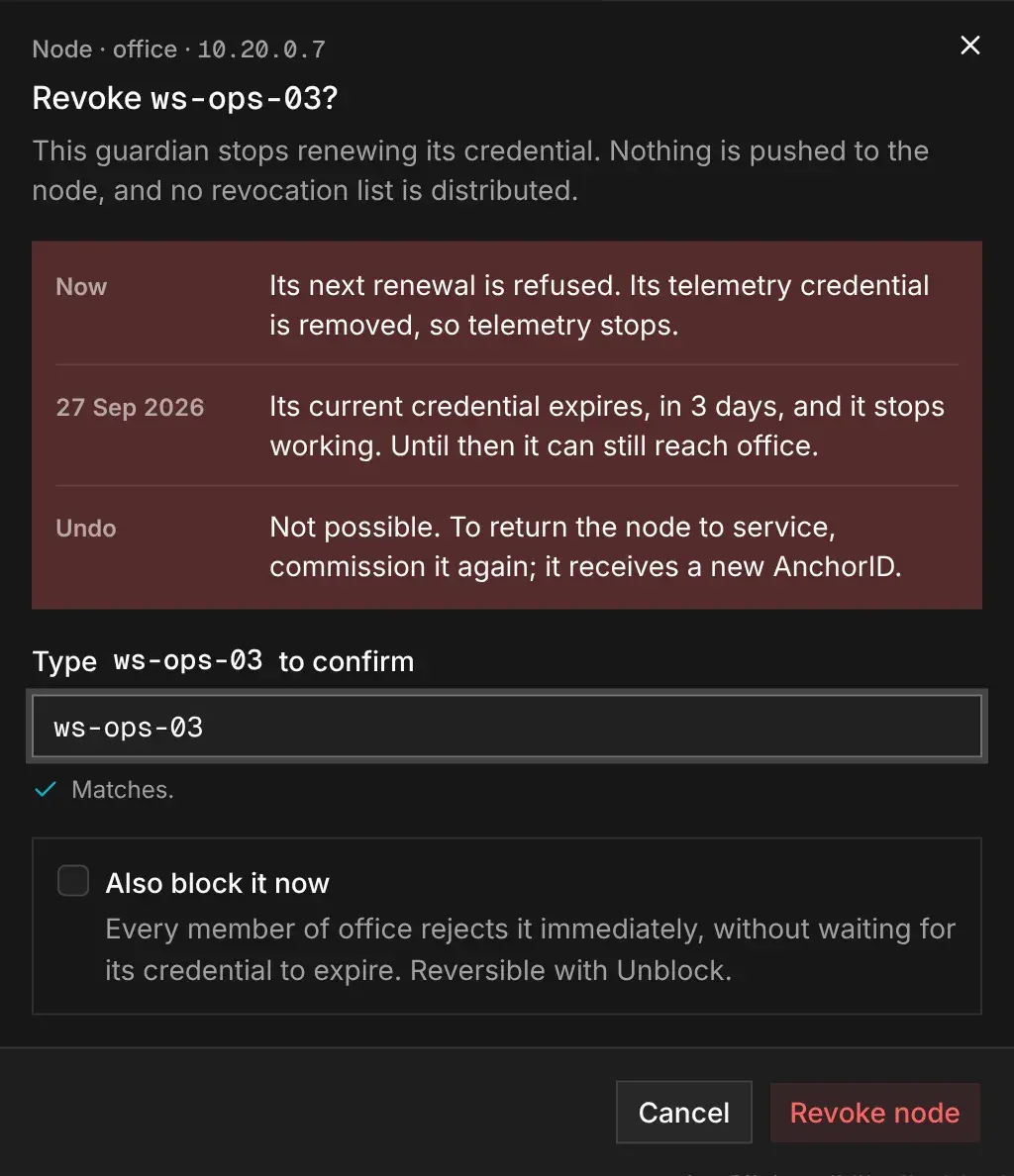
A manager can revoke a machine but cannot block it, and revoking never blocks a machine by itself. If you are a manager, revoke the machine and ask an admin to block it.
Blocking a Machine
A block makes every member of the machine's realm treat the machine as an outsider. Its connections close, and no member carries anything for it. The machine itself is not stopped and is not told about the block.
Block a machine without revoking it when it must leave the network now but may come back, such as a laptop reported lost.
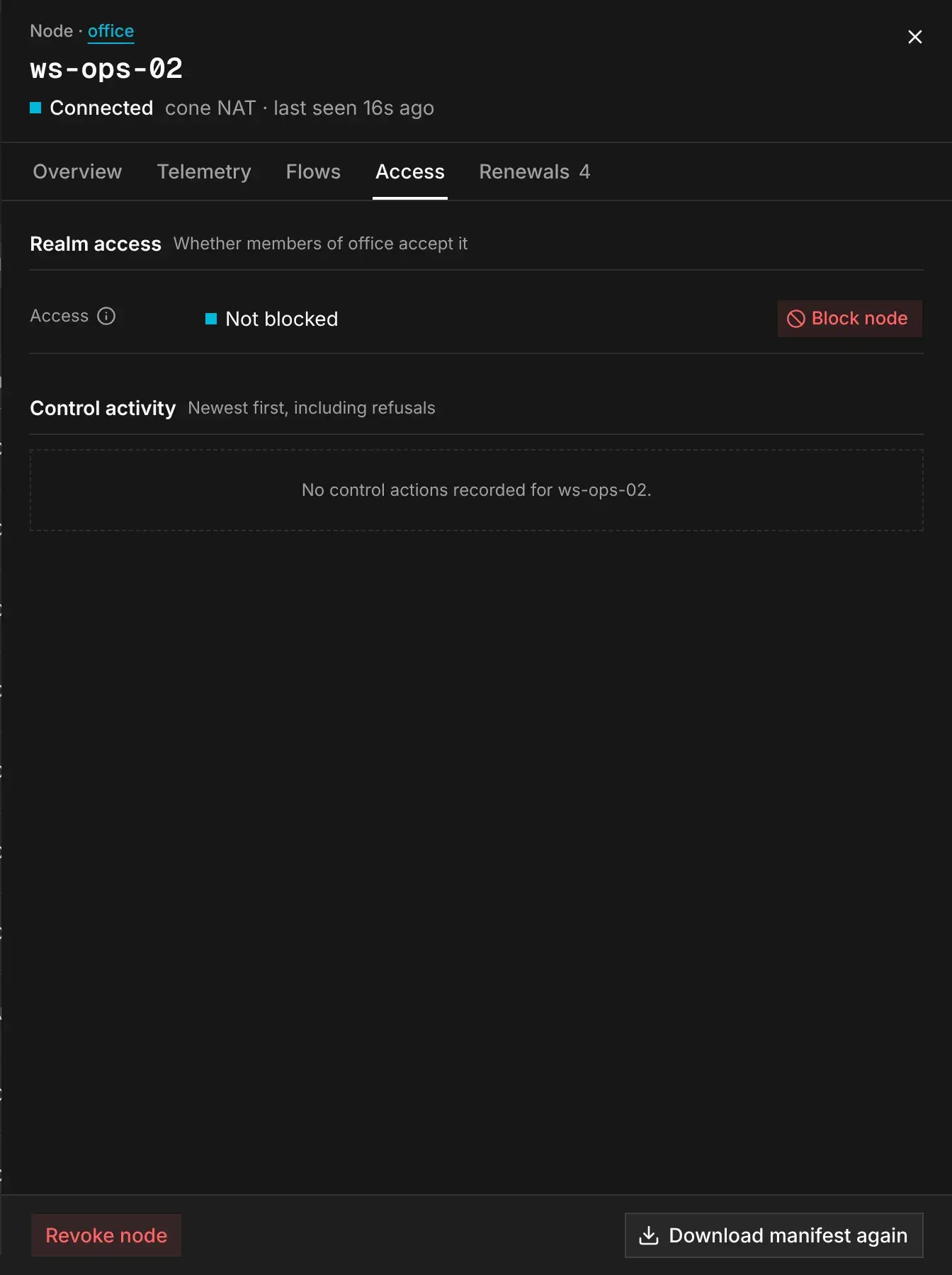
Open the machine's details and choose the Access tab. Under Realm access, the Access row reads
Not blocked. Choose the red Block node button next to it. You need the admin role, and console control must be on.Protect › Nodes › Node · Access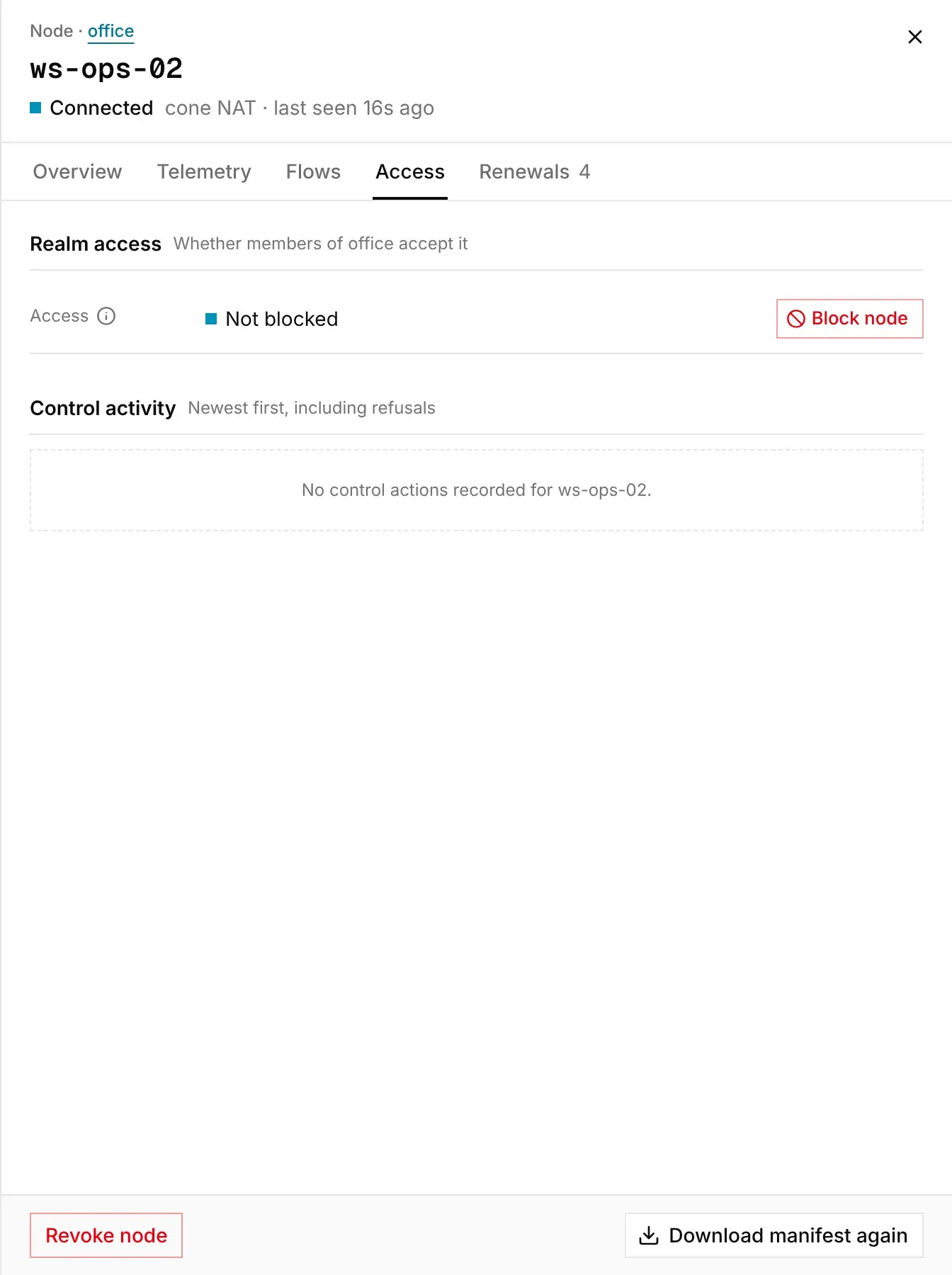
The realm's admin node, the guardian's root node in that realm, carries out the block. It connects to the machine, borrows the block power for this action alone, and publishes the block to the realm. The power lapses after ten minutes at most, but the block stays in force.
Lifting a Block
An admin lifts a block with Unblock, on the Access tab of the machine's details, next to the block on the realm's Blocks card, or under Blocks in force on Protect › Access. Unblock lifts a block, whoever issued it, including a block issued from conflux with a control credential. Confirm in the dialog with the button that names the machine, such as Unblock old-kiosk.
Each member treats the machine as a member again once the unblock reaches it. The console confirms with old-kiosk unblocked · reached 12 members.
Unblocking does not undo a revocation. A revoked machine that you unblock is let back in only until its credential lapses.
Viewing Blocks
The console shows blocks in five places:
- Protect › Nodes marks a blocked machine, and the Blocked filter lists every blocked machine.
- A blocked machine's details show the block on the Access tab, as
Blockedwith the start, the end and the reason:Since 6 Oct 10:15 · until unblocked · “Revoked old-kiosk”. - A realm's page has a Blocks card that every role can read. It lists the blocks the realm's admin node holds, including blocks issued from conflux. A block on an anchor the guardian did not commission shows that anchor's AnchorID.
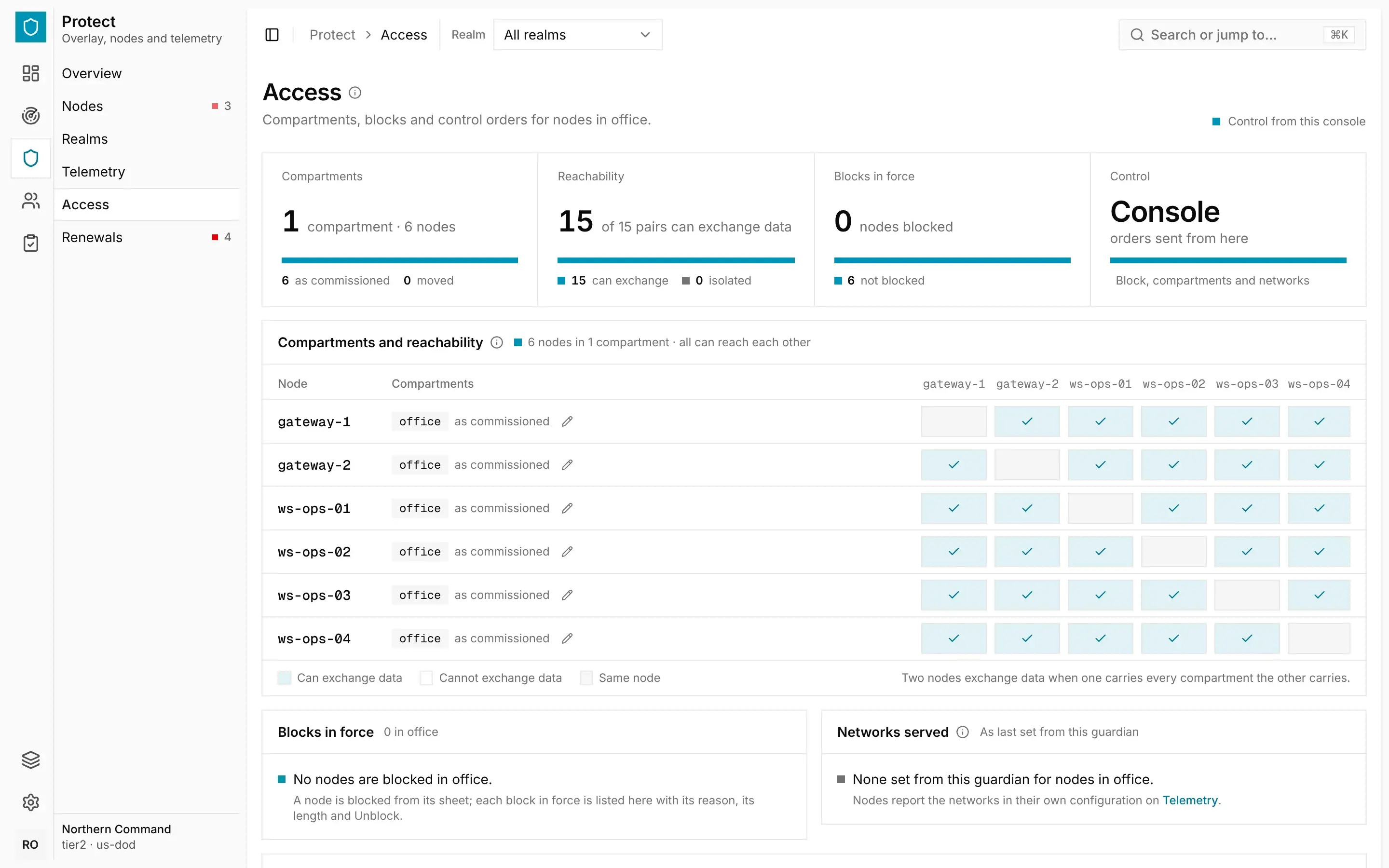
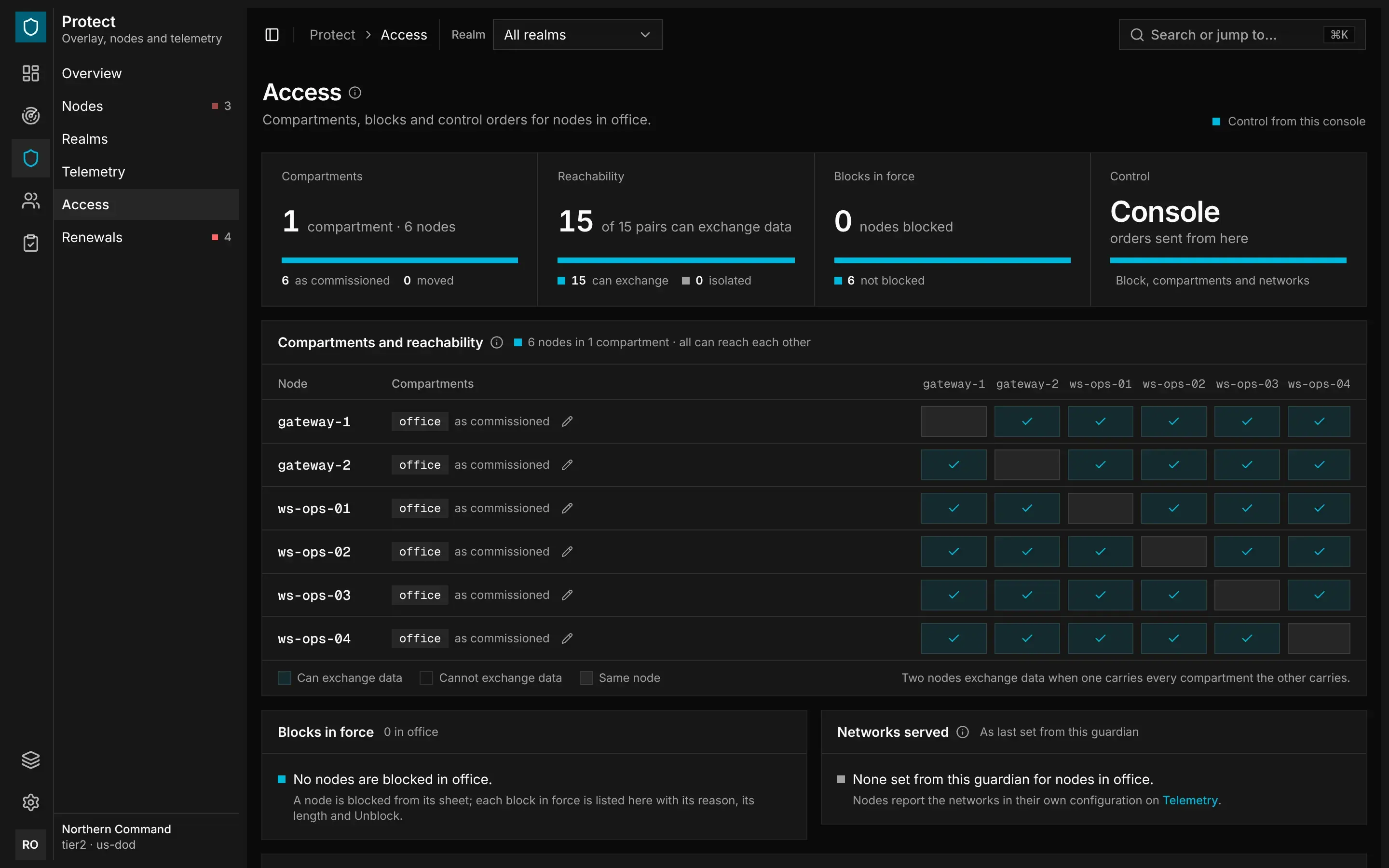
- Protect › Access lists the same blocks for the realm in scope, under Blocks in force.
- The realm's Control Activity shows auditors and above who blocked or unblocked each machine, from which address and with what result.
Refused Blocks
When an anchor refuses a block, the console shows the refusal in that anchor's own words. The realm's Control activity records the refusal, as it records every other action.
| Answer | What it means | What to do |
|---|---|---|
| 409, refused | A rule stopped the block: the power is not granted, the machine is in another realm, or the realm has not met the machine | Read the reason. If the realm has not met the machine, revoke it now, and block it again once it is online |
| 503, nothing sent | The admin node has no route to the machine, or is not running | Check the realm's in-band state on Protect › Telemetry, then try again |
| 504, not known | The block was sent, but no answer came back in time, so the result is not known | Check the realm's Blocks card before you try again |
Blocking from the CLI
With console control off, you block machines from conflux. Block node, Unblock and Also block it now no longer appear in the console, but the realm's Blocks card still shows the blocks in force.
To block a machine, an admin first issues a control credential with the Block permission from the realm's page or Protect › Access. The admin then blocks the machine from conflux with that credential:
$ sudo conflux block -target <AnchorID> -reason 'reported lost'
A control credential lasts a day at most, and nothing renews it. For the full procedure, see Acting from the CLI.