Realm Control
Move running machines between compartments, set the networks a router serves, and review blocks and control activity, from the console or from conflux.
- Who
- Admins move and block. Managers set networks. Auditors read the record
- Where
- A machine's details, Protect › Access and the realm's page
Acting Through the Admin Node
The console acts on a running machine through the admin node of the machine's realm. The admin node, also called the root node, is the guardian's own anchor in that realm, and it runs inside the guardian stack.
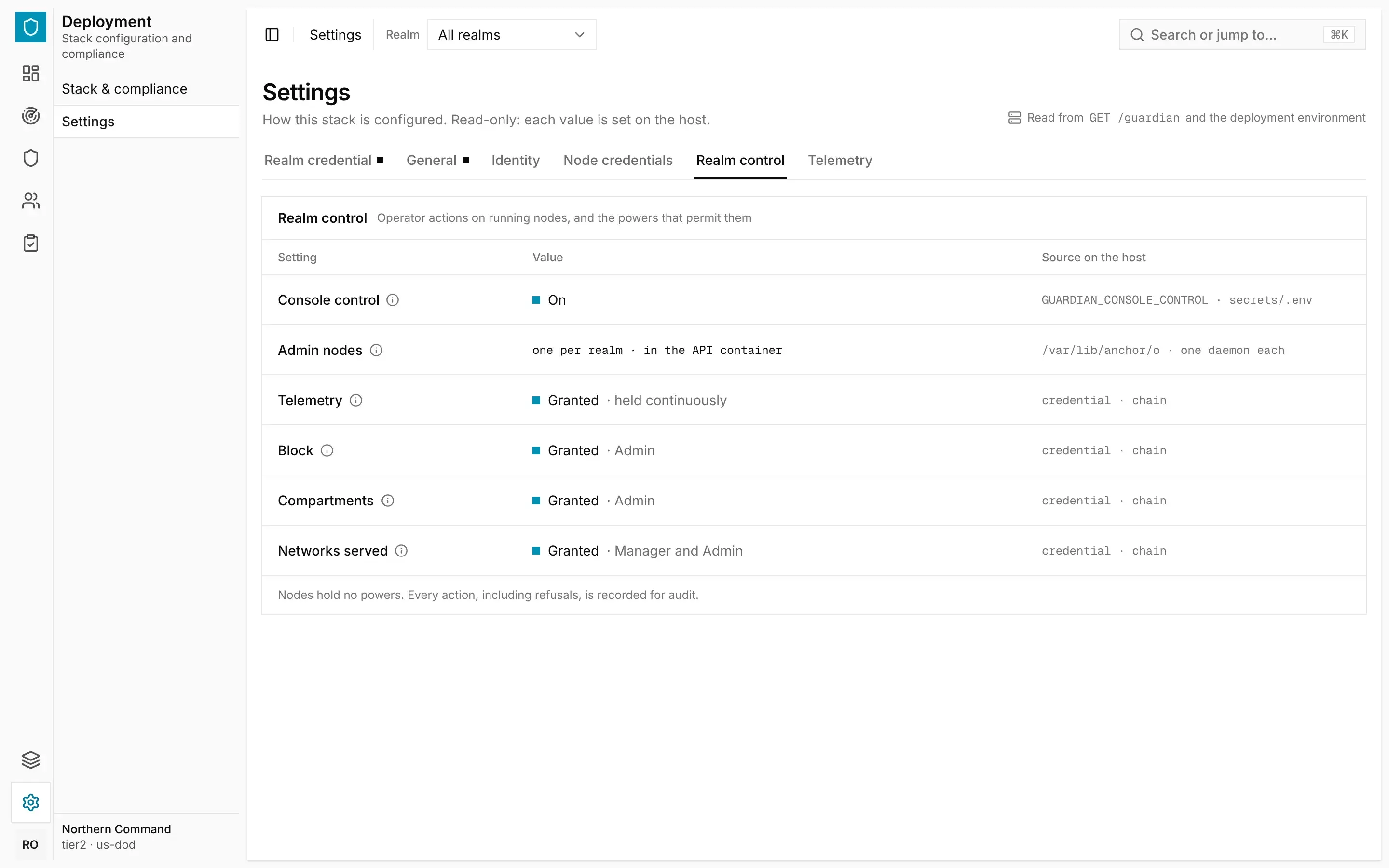
A power is the right to issue one kind of control in a realm, such as a block. Your machines hold no powers. Between actions, the admin node holds only the telemetry power.
When you take an action, the guardian lends the admin node the one power that the action needs: block, taint or subnets. It holds that power for ten minutes at most, and a realm handles one action at a time. The result stays in force after the power has gone.
Between actions, the admin node holds only the telemetry power. For one block, it is lent the block power as well, for ten minutes at most. When the action is done, it goes back to telemetry only, whether or not the action worked. The block stays in force after the power has gone.
| Action | Where | Who |
|---|---|---|
| Block and unblock | A machine's details, on the Access tab, or Revoke node › Also block it now | Admin |
| Compartments | A machine's details, in the Compartments row, or Protect › Access | Admin |
| Networks | A machine's details, in the Networks row | Manager, admin |
| Blocks in force | A realm's page, and Protect › Access | Every role |
| Control activity | A realm's page, Protect › Access and Manage › Activity | Auditor and above |
In any of these cases, the guardian refuses the action before it signs anything:
- Console control is off.
- Your realm credential withholds the power.
- The realm's admin node is not running.
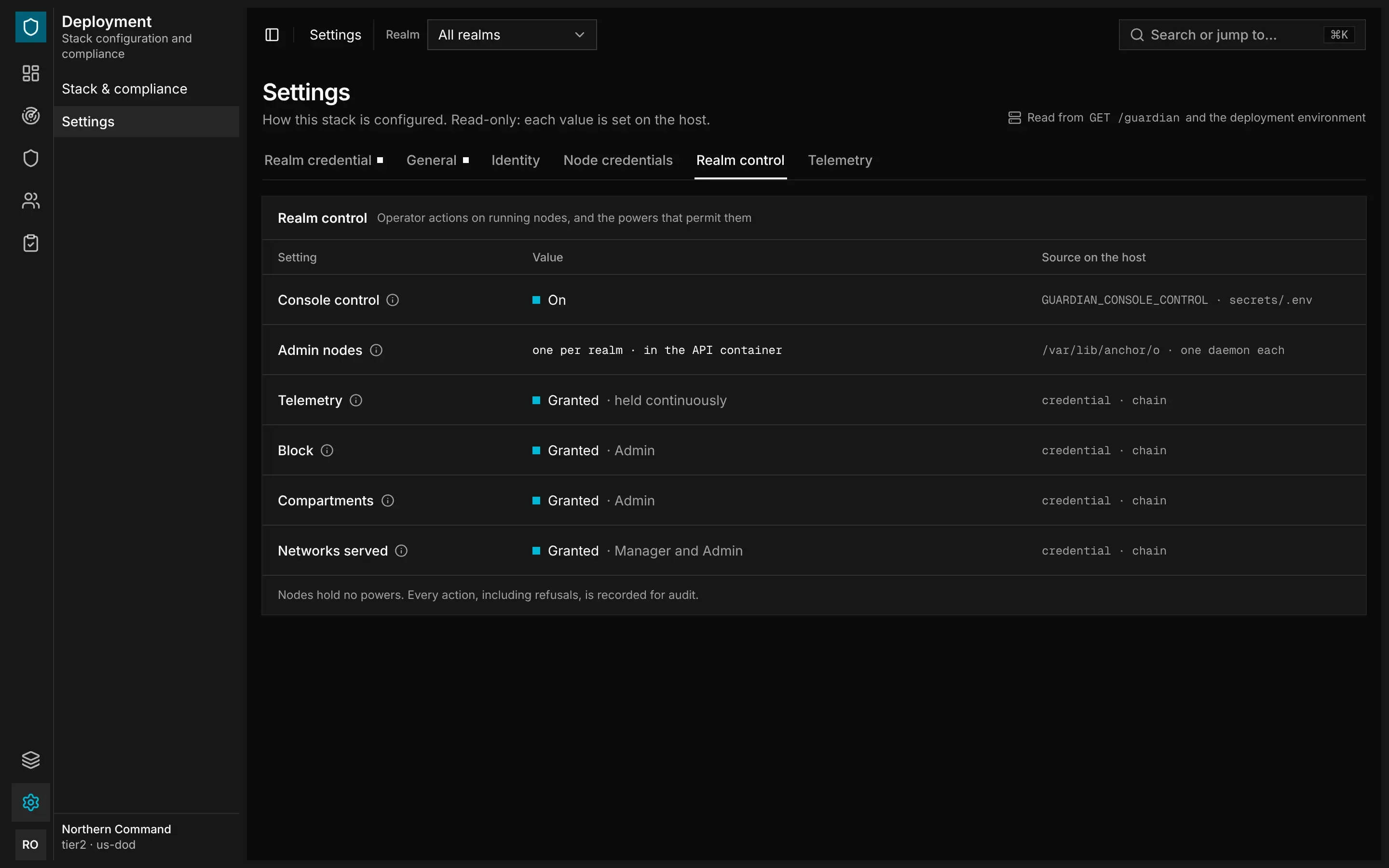
To see which powers your credential grants, open Settings › Realm control.
Moving Between Compartments
A machine's taints are its compartment labels. They decide which machines in its realm it can exchange data with. You set the taints when you commission the machine. Later, an admin can move a running machine to other compartments without a restart or a new identity.
Open the machine's details. Under Owner and placement, the Compartments row reads
office · as commissioned, or shows the set the machine was moved to and when. Choose the pencil next to it. The form shows the compartments the machine was commissioned in. If the machine has moved before, the form also shows when, by whom and the generation, which is the sequence number of the move.
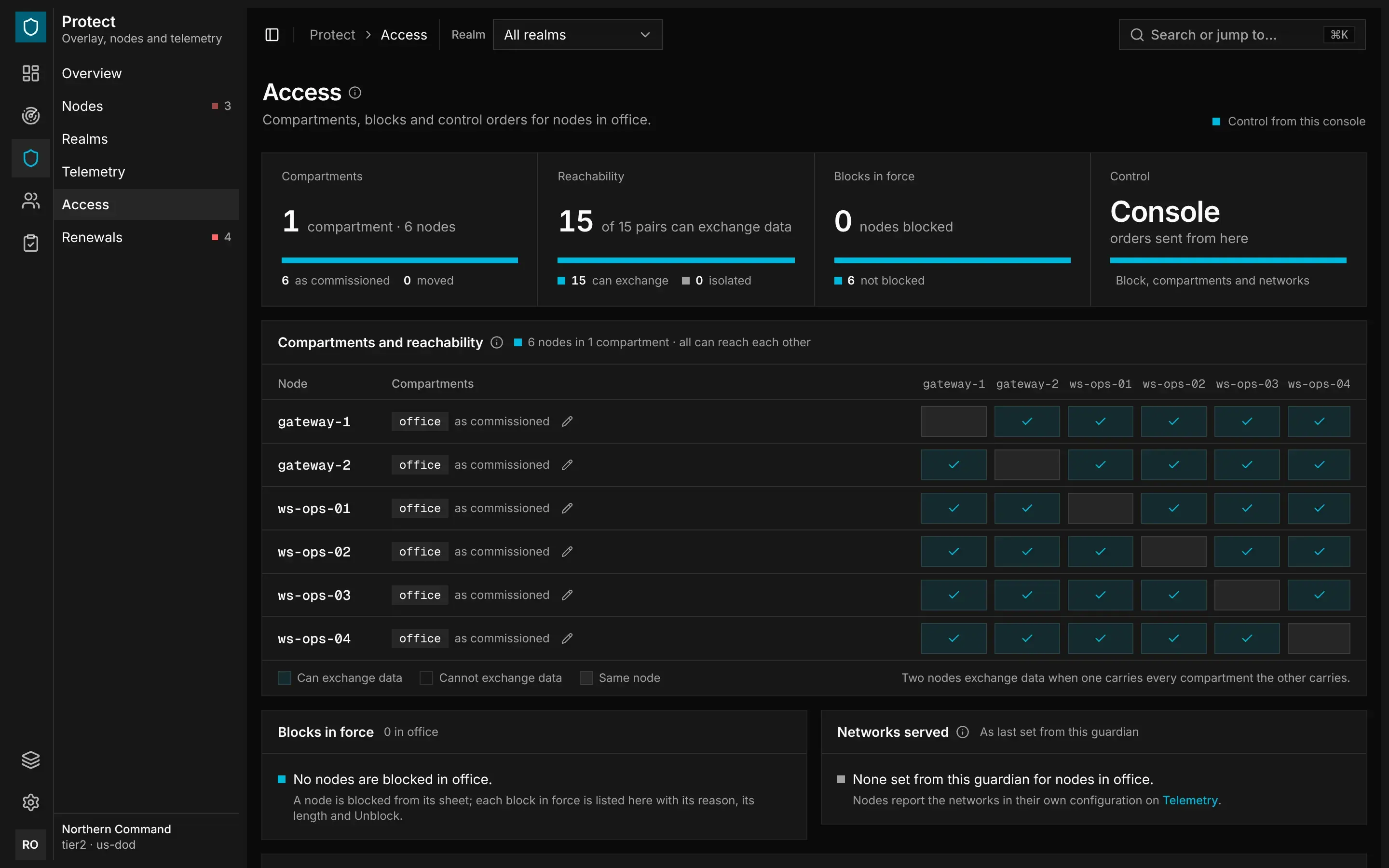
An admin can also move machines from Protect › Access. With the realm in scope, its compartment grid shows where each machine sits and which machines can reach which, with the same pencil on each machine.
Setting the Networks Served
A subnet router forwards traffic from the members of its realm onto the networks it is connected to. A manager or an admin can read and replace the list of networks it serves from the console.
Open the machine's details. Under Owner and placement, the Networks row reads
Queried from gateway-3 when edited. Choose the pencil next to it. The console asks the machine itself, through its realm's admin node, and showsQuerying gateway-3 through the office admin node…until it answers, so the machine must be online. The form then shows the following:- Serving now: what the machine serves.
- Withheld: entries that matched no network on the machine when it started.
- Set by: Node configuration, This console or Operator CLI, and when.
Blocks in Force
Every realm's page has a Blocks card that every role can read. It lists the blocks that the realm's admin node holds, with the machine, the reason, and the start and end of each block. The card refreshes every 15 seconds. Protect › Access shows the same list for the realm in scope, as Blocks in force.
The card also lists blocks issued from conflux. A block on an anchor that the guardian did not commission shows that anchor's AnchorID instead of a name.
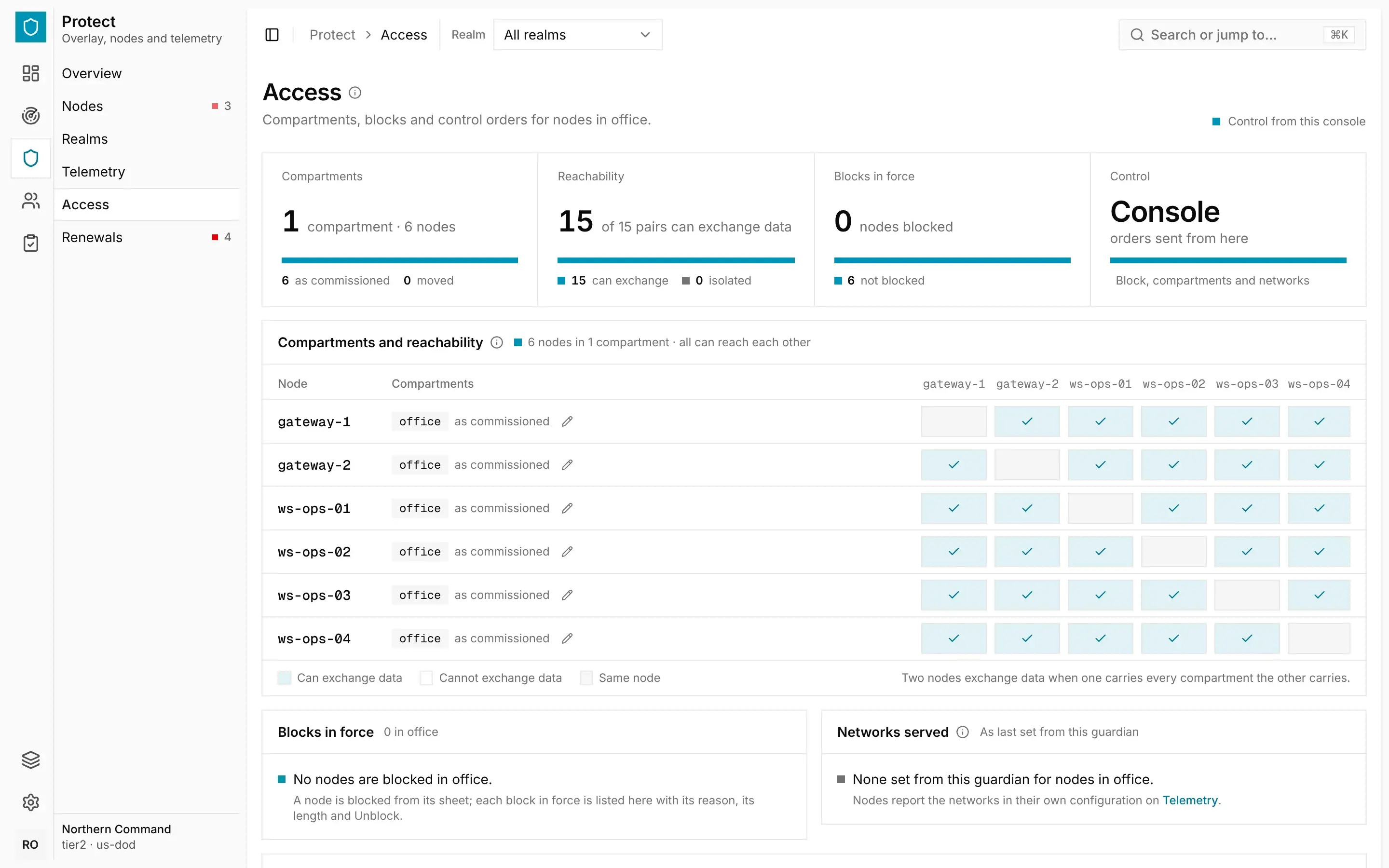
With console control on, an admin can lift a block from the card by choosing Unblock. If the realm's admin node is not running, the card says so instead of showing the list. To block and unblock machines, see Revocation and Blocks.
Control Activity
The guardian records every action an operator takes on a realm's machines, whatever the outcome. Each entry shows who took the action, on which machine, from which address and with what result. Auditors and above can read it in three places:
- A realm's page shows the latest five under Control activity, with a link to Access.
- Protect › Access has the realm's full record, newest first. You can search it by operator, node or action, filter it by kind of action, and download it with Export CSV.
- Manage › Activity lists every realm's record, with account and certificate events.
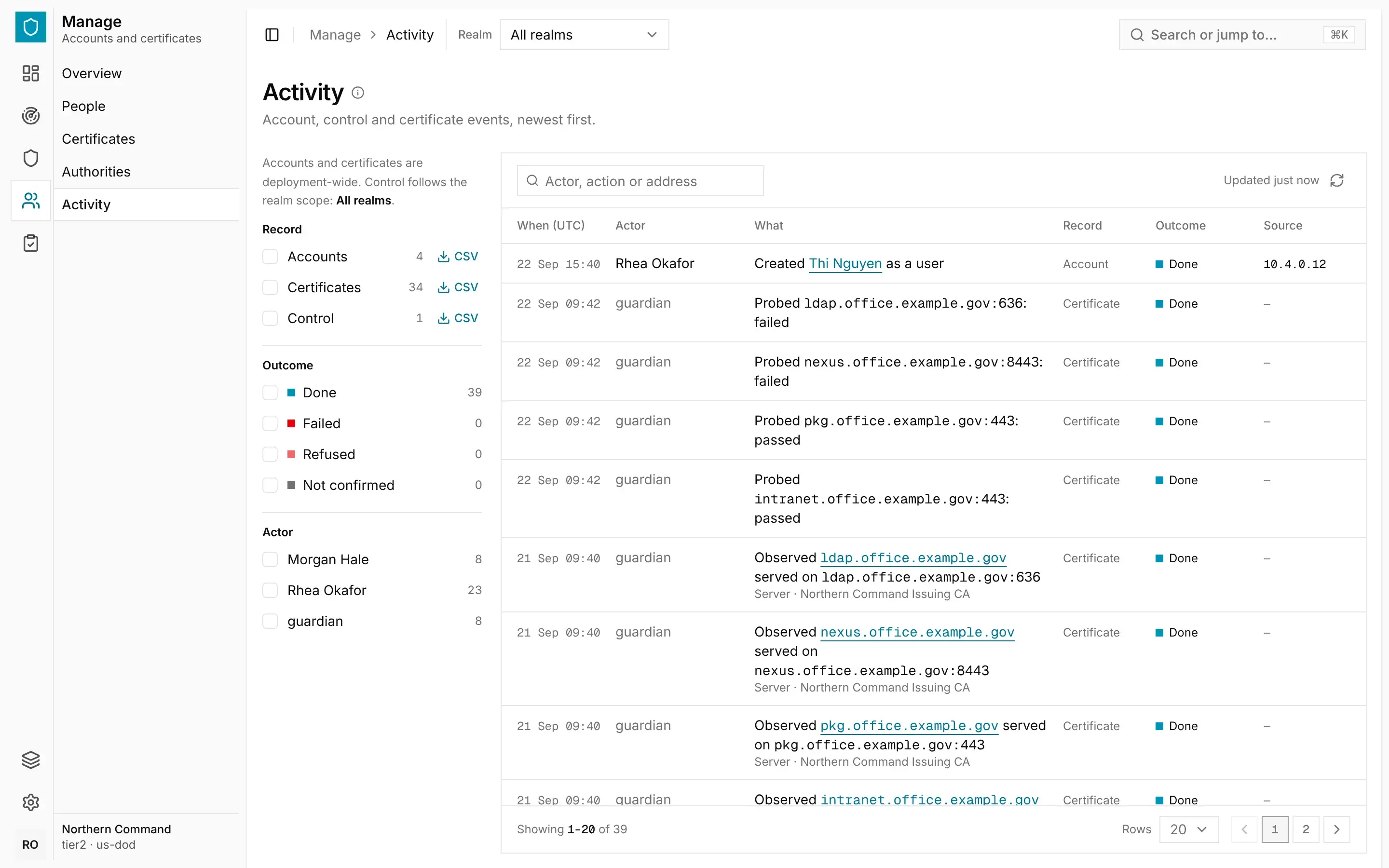
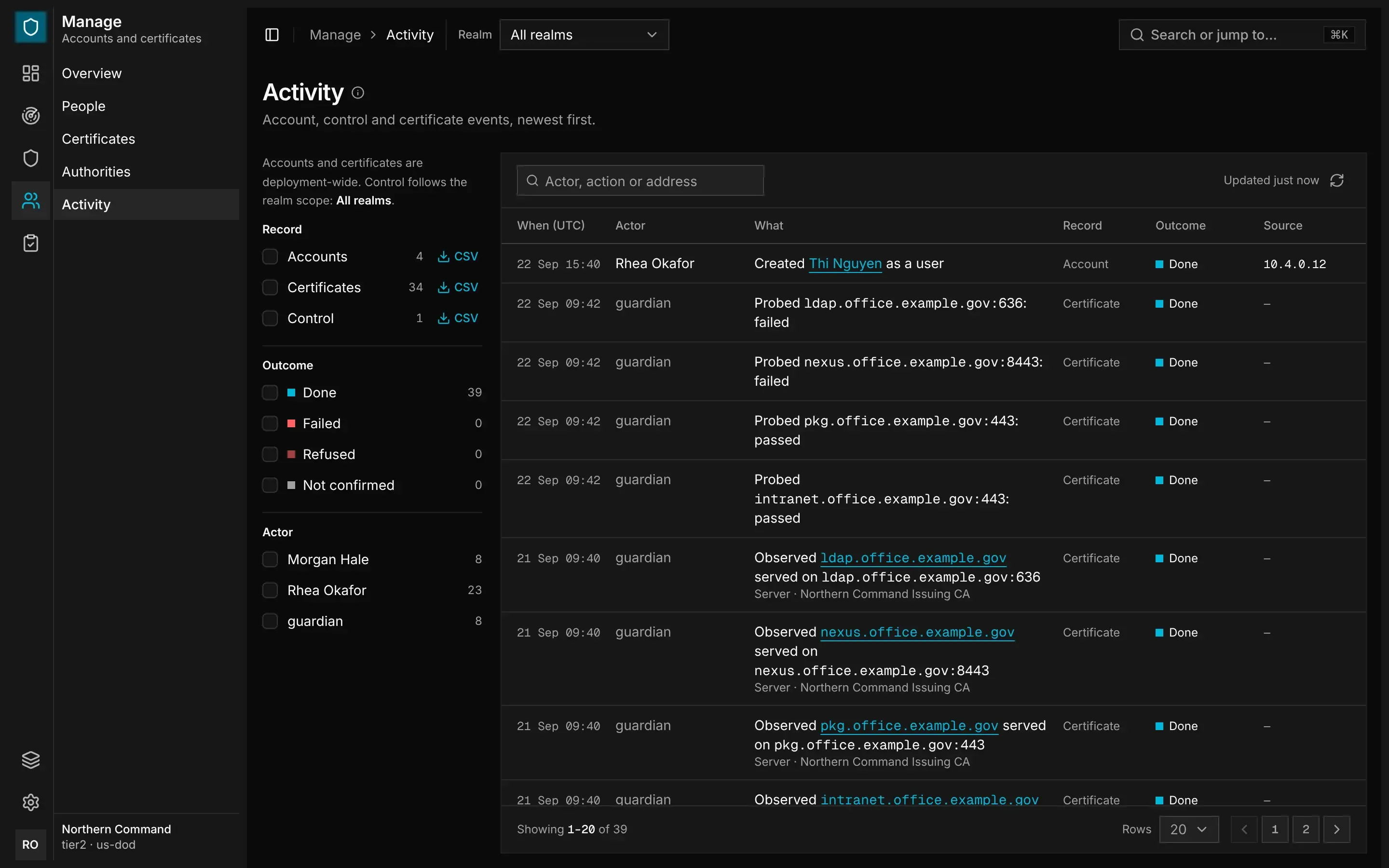
Each kind of action keeps its own detail:
| Action | The detail it keeps |
|---|---|
| blocked | The reason, and how many members it reached |
| unblocked | How many members it reached |
| moved the compartments of | How many compartments and the generation, but never their names |
| set the networks served by | What the machine serves, with any compartment bindings reduced to how many |
| issued a control credential | Which powers, for which anchor and for how many hours, but never the credential |
| transferred ownership of | Who the machine now belongs to |
Each row ends with Done, Refused or Failed. A refused or failed row gives the reason in the words of the anchor that refused, so a refused block reads the same here as it did in the dialog.
Acting from the CLI
Console control is a deployment setting, and it is on by default. Turn it off if your organisation wants every block, compartment move and change of networks made from conflux. Operators then act with a control credential: a conflux manifest that carries the powers for the job and lasts a day at most.
On the guardian host, set the value in
secrets/.envand run setup again:on the guardian host GUARDIAN_CONSOLE_CONTROL=off $ ./setup.sh
Setup recreates the guardian's API with the new value, and the admin nodes start again with it.
From then on, the guardian lends no admin node a power that acts on members. The console still shows the blocks in force, the realm of each machine and the telemetry. In a machine's details, the Compartments row stays but has no pencil, and the Networks row is hidden. The Access tab shows only a block in force, with no button. Also block it now no longer appears. Under Owner and placement, a note says where to act from.
Settings › Realm control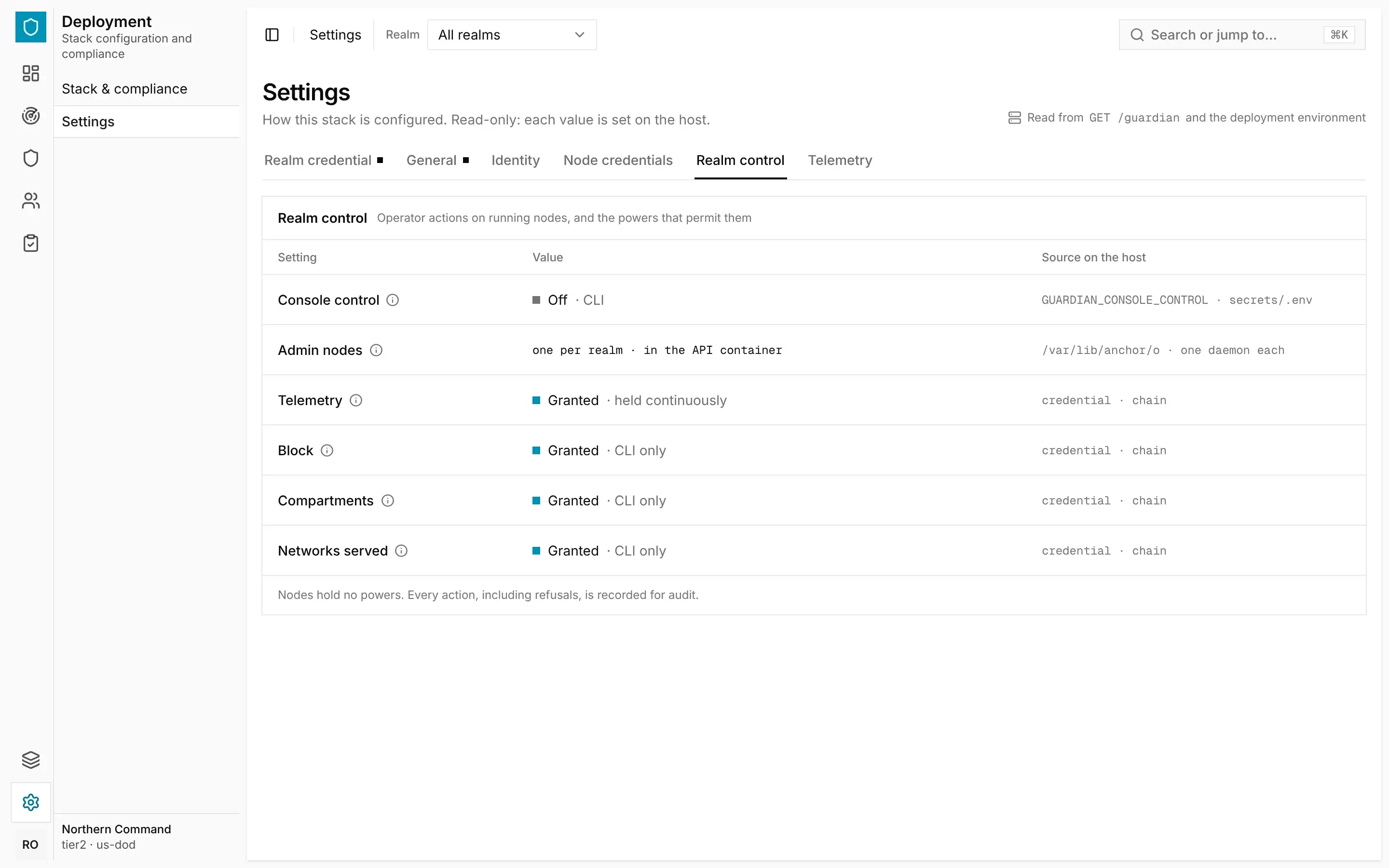
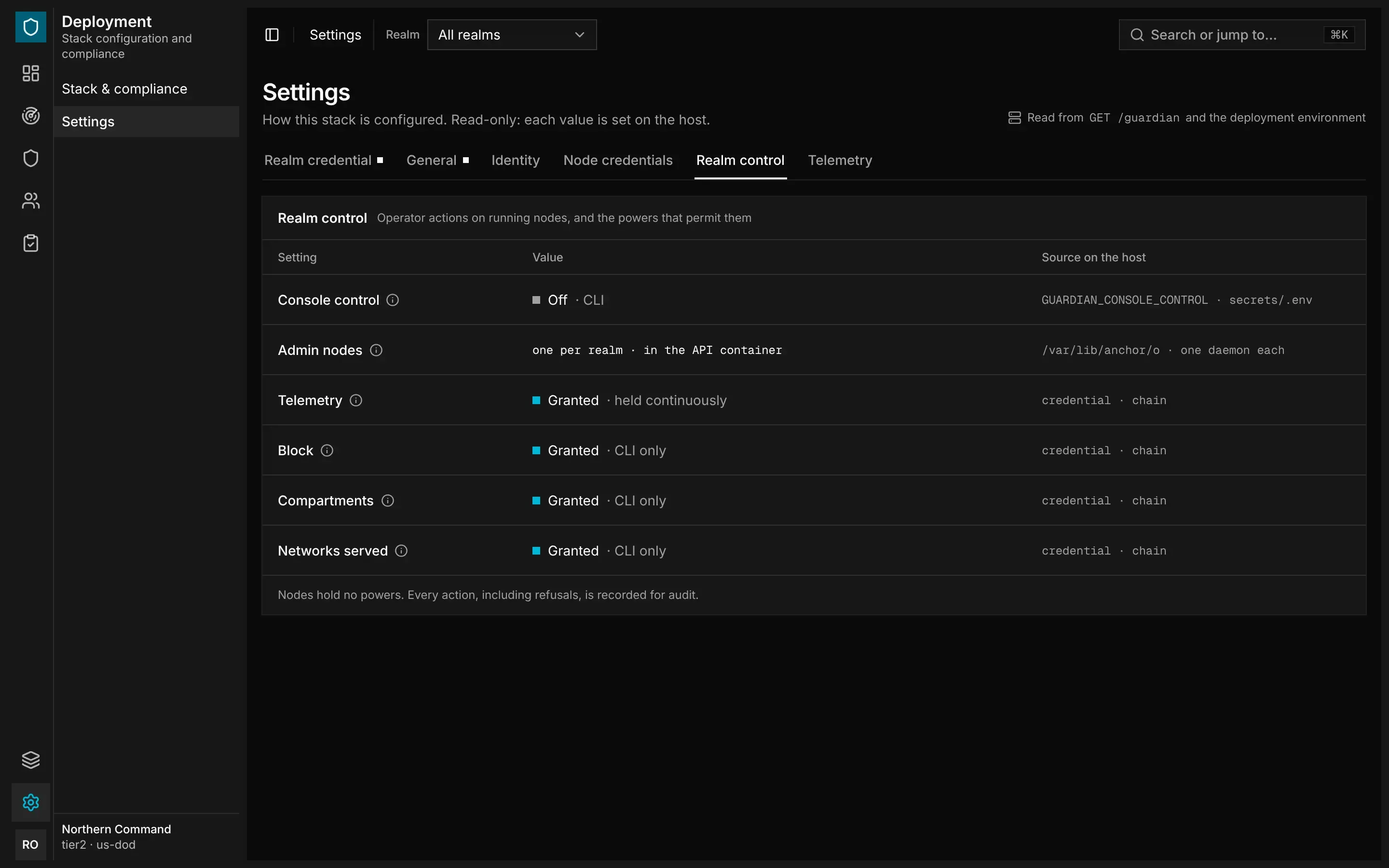
With console control off, control orders come from the conflux CLI.