Commissioning Machines
Commission a machine in the console, then give its operator one file, the manifest, to join it to your sovereign network.
- Who
- Managers and admins
- Where
- Protect › Nodes › Commission node
Prerequisites and Roles
A machine cannot sign itself up to your network. Instead, you commission each machine in advance in the console. The guardian creates the machine's identity and signs its credential, and the machine's operator receives one file: the manifest.
Before you commission a machine, check the following:
- You have the manager or admin role.
- The realm credential is in place. Until it is, the guardian refuses to commission machines, and the console shows the steps to put the credential in place.
- The signer is running. While it is down, every step of the Commission node dialog says “The signer is down, so nothing can be signed. Restart the api container.”, Next is disabled, and the console shows this banner: “Signer unavailable. Node commissioning and renewal are suspended.”
The realm you commission a machine into decides its role, so you never choose the role yourself.
| Guardian realm | A sub-realm | |
|---|---|---|
| Role | Bootstrap node | Member |
| Public address | Required, as host:port | Refused |
| In every manifest's bootstrap list | Yes | No |
| Exchanges data with | Other bootstrap nodes only | Its own sub-realm only |
| Carries user data | No | Yes |
Commissioning a Machine
Open Protect › Nodes and choose Commission node. You can also choose Commission node on a realm's page, which picks that realm for you. From any page, press
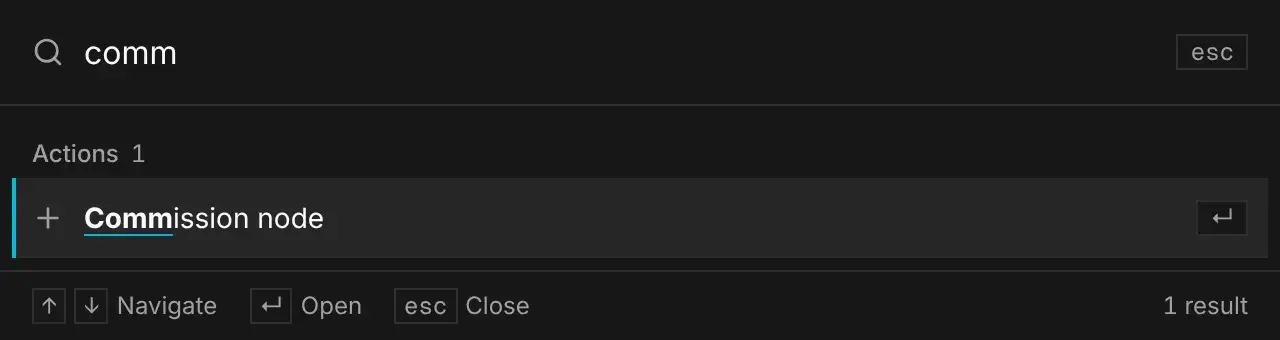
⌘KorCtrl+K, or choose Search or jump to…, and pick the Commission node action.Search or jump to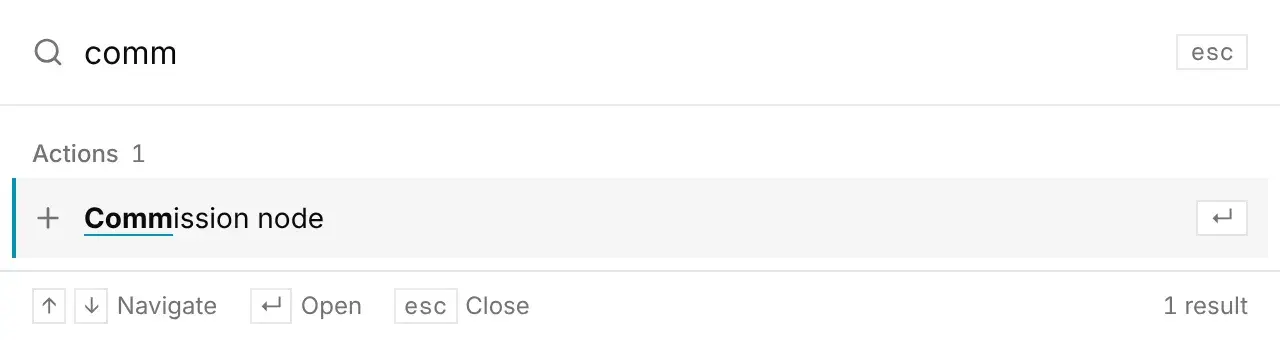
The Manifest
The manifest is a single base64 file that defines the machine. Anyone who holds it can act as that machine and keep its credential current. It contains:
- The machine's identity seed and its credential.
- The bootstrap list, with your bootstrap nodes first.
- The address the machine renews at, and the secret it renews with.
- A collector credential for telemetry, separate from the renewal secret, and the export settings. With the internal certificate, these carry the certificate authority that verifies the telemetry endpoint.
- The machine's overlay address, its taints and the ID of its realm, and for a bootstrap node the port it listens on.
The manifest never contains a power, so no machine can block, move or reconfigure another. The guardian also tells browsers and caches not to store a copy.
Taints and Compartments
A taint is a label that places a machine in a compartment inside its realm. The taints you commission a machine with are part of its credential, and every renewal keeps them. A machine with no taints sits in the realm's default compartment.
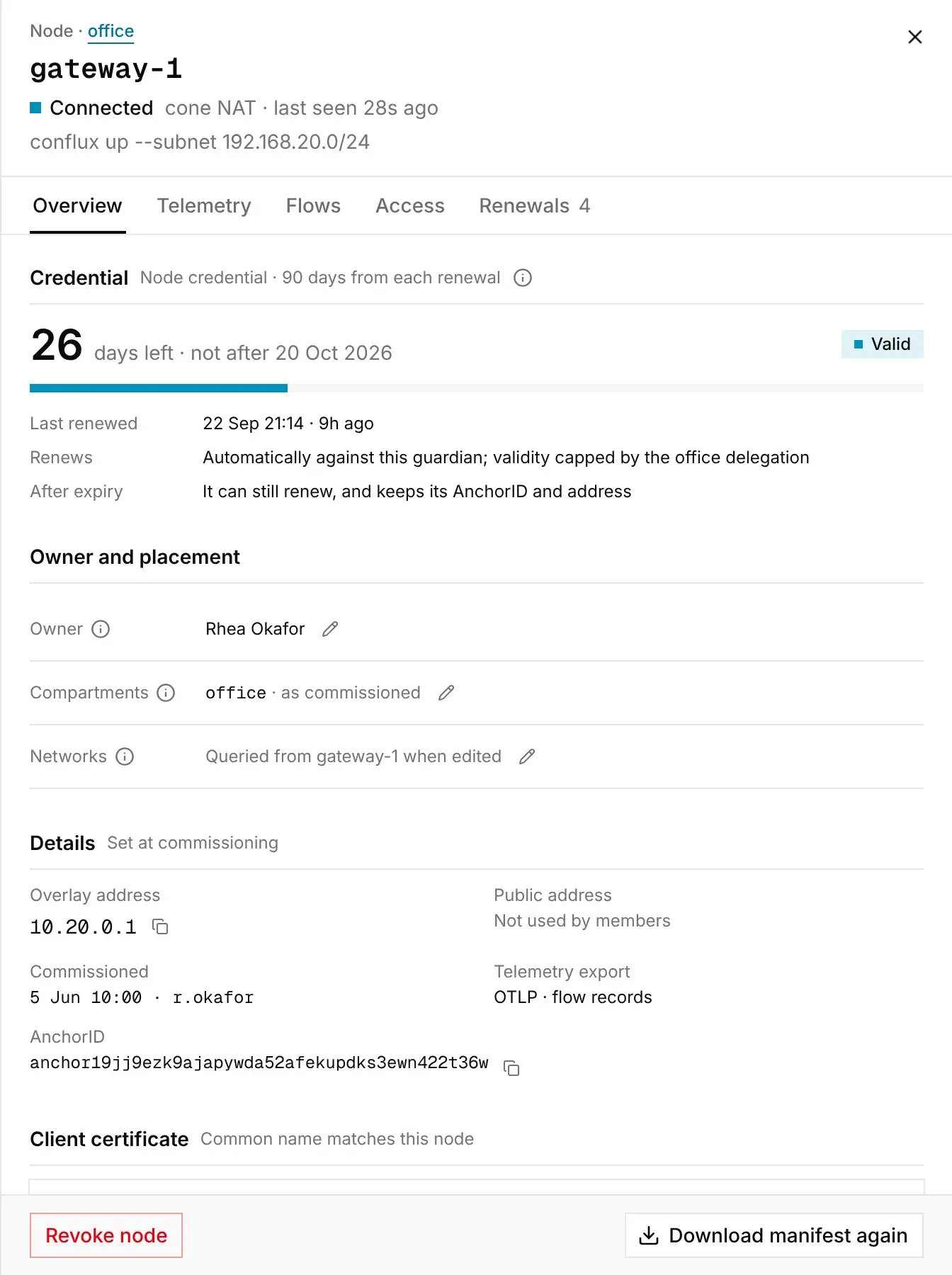
Later, an admin can move a running machine to other compartments. In the machine's details, under Owner and placement, choose the pencil on the Compartments row, then Move. Every member of the realm then treats the machine as being in the new compartments. The credential keeps the commissioned taints. A machine rebuilt from its manifest starts in those, and moves itself back to the new set once the newer record reaches it.
The Compartments row in the details shows which set applies. It reads office · as commissioned, or it shows the new set and when the machine was moved. See Moving Between Compartments.
Bootstrap Nodes
Bootstrap nodes are your own publicly reachable machines, and every other machine starts from them. Commission them into the guardian realm before any other machine.
- Give each bootstrap node the
host:portit listens on. Every machine you commission must be able to reach that address. The guardian host does not listen for them. - Every manifest lists the bootstrap nodes. When you commission or revoke one, new manifests get the new list, and deployed machines get it at their next renewal.
- The admin nodes reach your network through the bootstrap nodes, so they have nothing to connect to until you commission the first one. After any change to the list, each admin node restarts with the new list at the next round.
After Commissioning
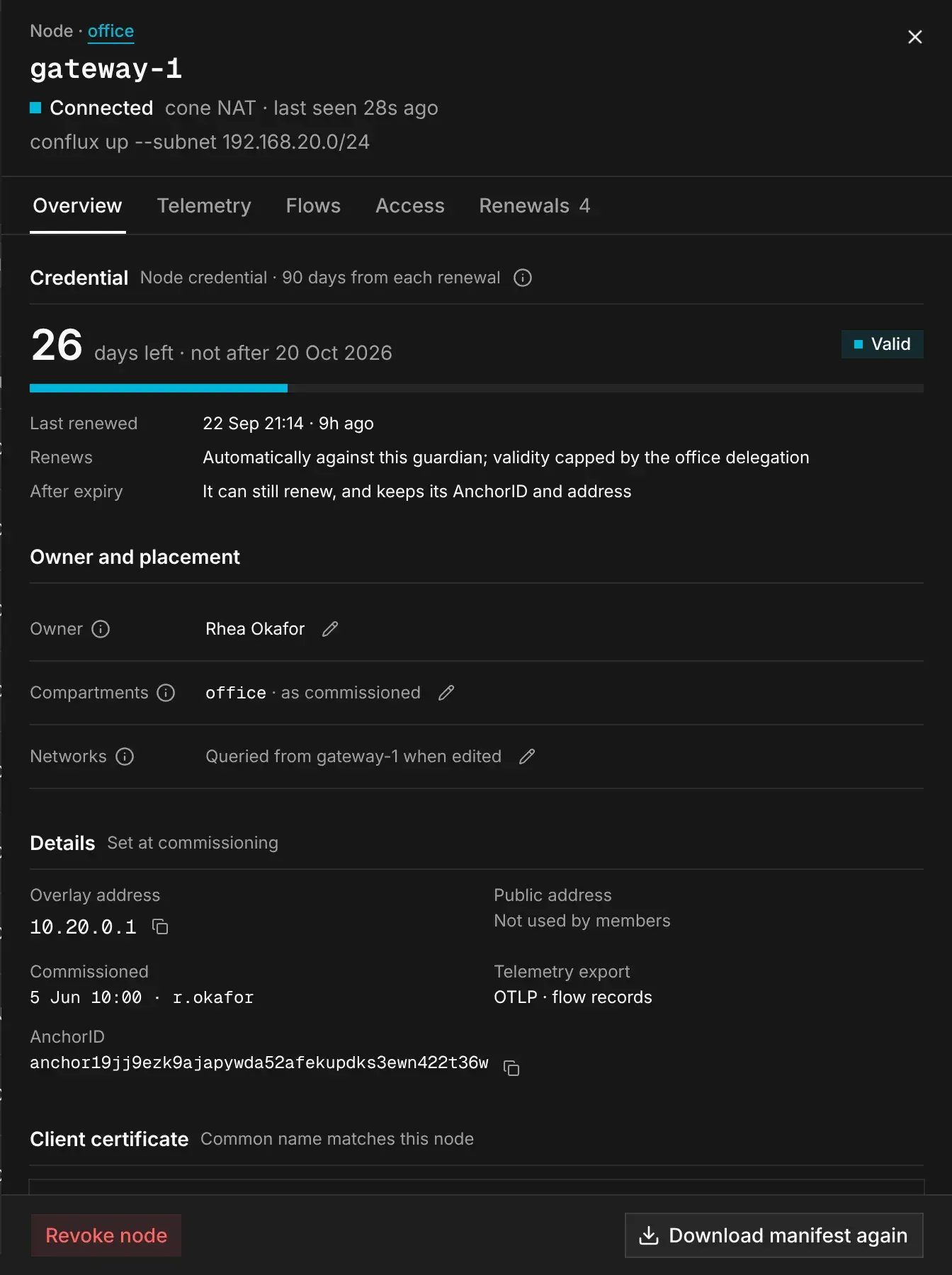
After commissioning, the machine renews its own credential through the guardian, and you manage it from its details. The details have five tabs: Overview, Telemetry, Flows, Access and Renewals. Flows and Access appear for auditors and above. On the Overview tab, Owner and placement holds the Owner, Compartments and Networks rows, each with its action, and Client certificate shows any certificate issued in the machine's name. The footer holds Revoke node and Download manifest again. Each action appears for these roles:
| Action | Who | See |
|---|---|---|
| Download manifest again | Manager, admin | The Manifest |
| Owner row | Manager, admin | Accounts |
| Networks row | Manager, admin | Setting the Networks Served |
| Compartments row | Admin | Moving Between Compartments |
| Block node, Unblock, on the Access tab | Admin | Blocking a Machine |
| Revoke node | Manager, admin | Revoking a Machine |
Renewal needs no action from you. See Renewal.
To remove the machine, revoke it. To shut it out at once, block it as well. See Revocation and Blocks.